2026
Nightlight
Designed for 3 a.m., one free hand and a sleeping partner.
A one-handed, night-mode-first newborn tracker: feeds, sleep and diapers in one tap, shared live with your partner.
A self-initiated concept, designed like a real product.
The brief we set ourselves
Design a newborn tracker for the hours it is actually used: in the dark, with a baby in one arm. Feeds, sleep and diapers in one tap, a screen that will not wake anyone, and a live handoff to the partner taking the next shift.
Who it is for
New parents of babies aged 0–12 months, especially couples who split night shifts and need to know what happened while they slept.
What we designed
Onboarding, a night home with giant tap tiles, a dual left / right feed timer, a 24-hour ring with the partner handoff — and the components behind them.
Design facts from the concept files — not business results.
02ResearchBaby trackers are pastel. Nights are not.
We sized the parenting-app market, collected baby-tracker shots from the galleries and compared them with how a tracker is really used — at night, half-awake, one-handed.
We sized the parenting-app market, collected baby-tracker shots from the galleries and compared them with how a tracker is really used — at night, half-awake, one-handed.
- Market
Parenting apps are estimated at $1.94B in 2025, growing to about $6.02B by 2035 (CAGR 12%).
DecisionA steady, crowded category — so the differentiator is not features but the moment of use: night-first design.
- Gallery gap
Almost every baby tracker on Dribbble and Behance is light and pastel, with small icons and dense lists — designed for daylight screenshots.
DecisionDark by default with a dim amber lamp colour, 2.5 px icons and tiles big enough to hit without looking; a day mode is one toggle away.
- Use case
The questions at 3 a.m. are few: when was the last feed, which side next, is the baby asleep, who is up now.
DecisionAnswer them in that order on one screen: time since the last feed, Feed with the suggested side, Wake up / Diaper, and the partner strip with Hand off.
Patterns we borrowed
- Huckleberry
- Only the functional scope — sleep and feeding tracking; its visuals were not audited or reused
- Night modes
- Dim warm light on deep navy instead of white screens; the screen dims after 20 seconds
- Sleep apps
- A 24-hour radial timeline with sleep arcs and event ticks
- Shift handoffs
- A handoff card: what happened since you slept, plus one note
What we left out
Logos, illustrations, copy and screens of any baby app — and any photos of real babies. Nightlight has its own name, mark and illustrated night scenes.
Moodboard references
From grey boxes to a screen you can use in the dark.
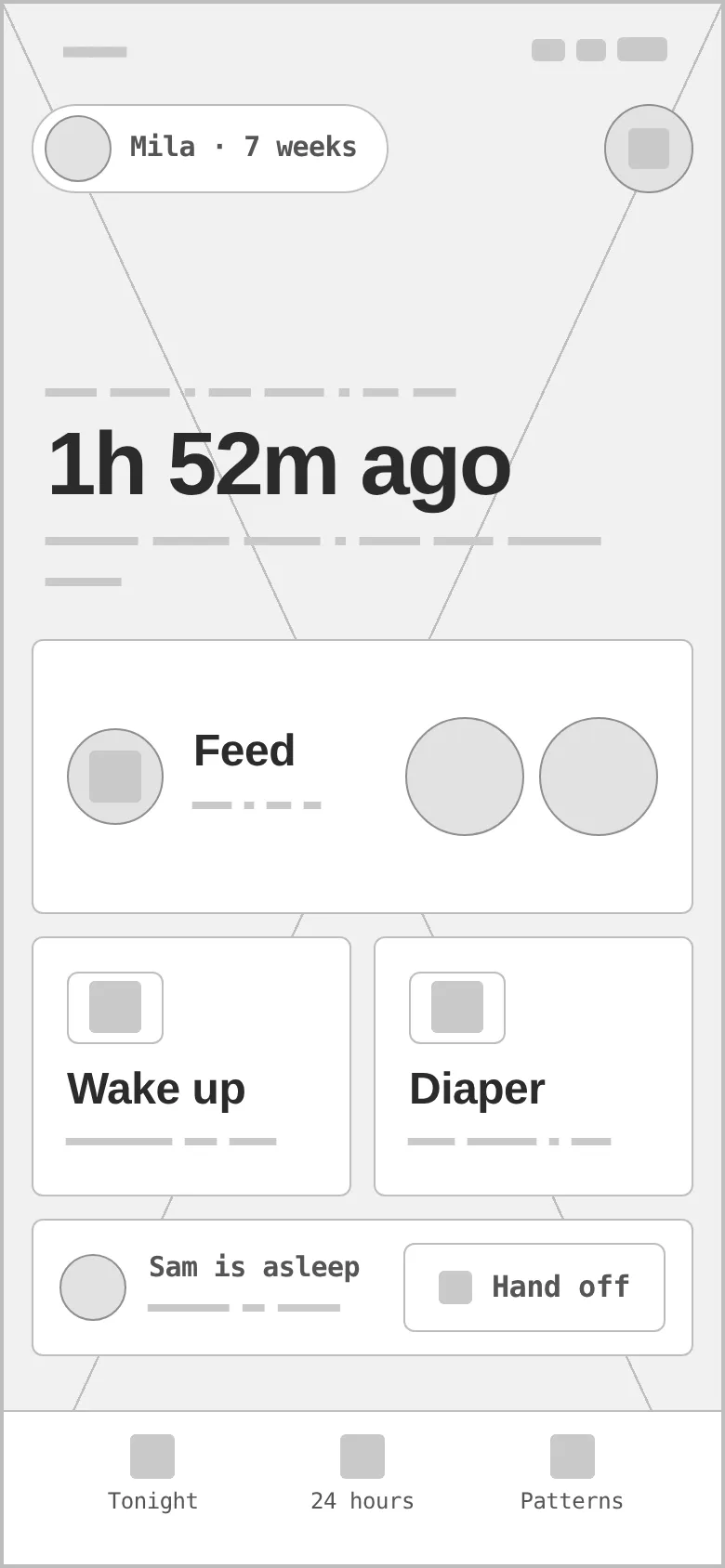
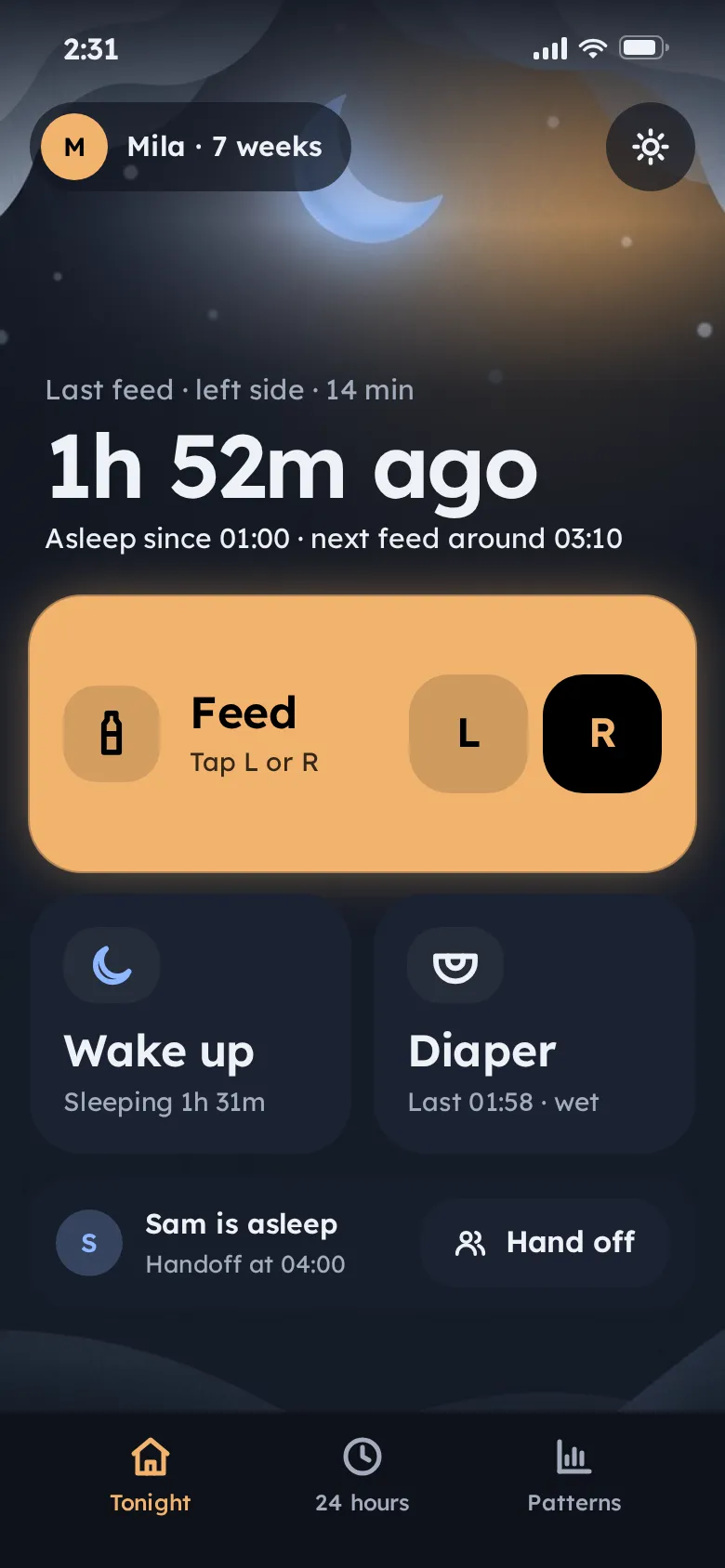
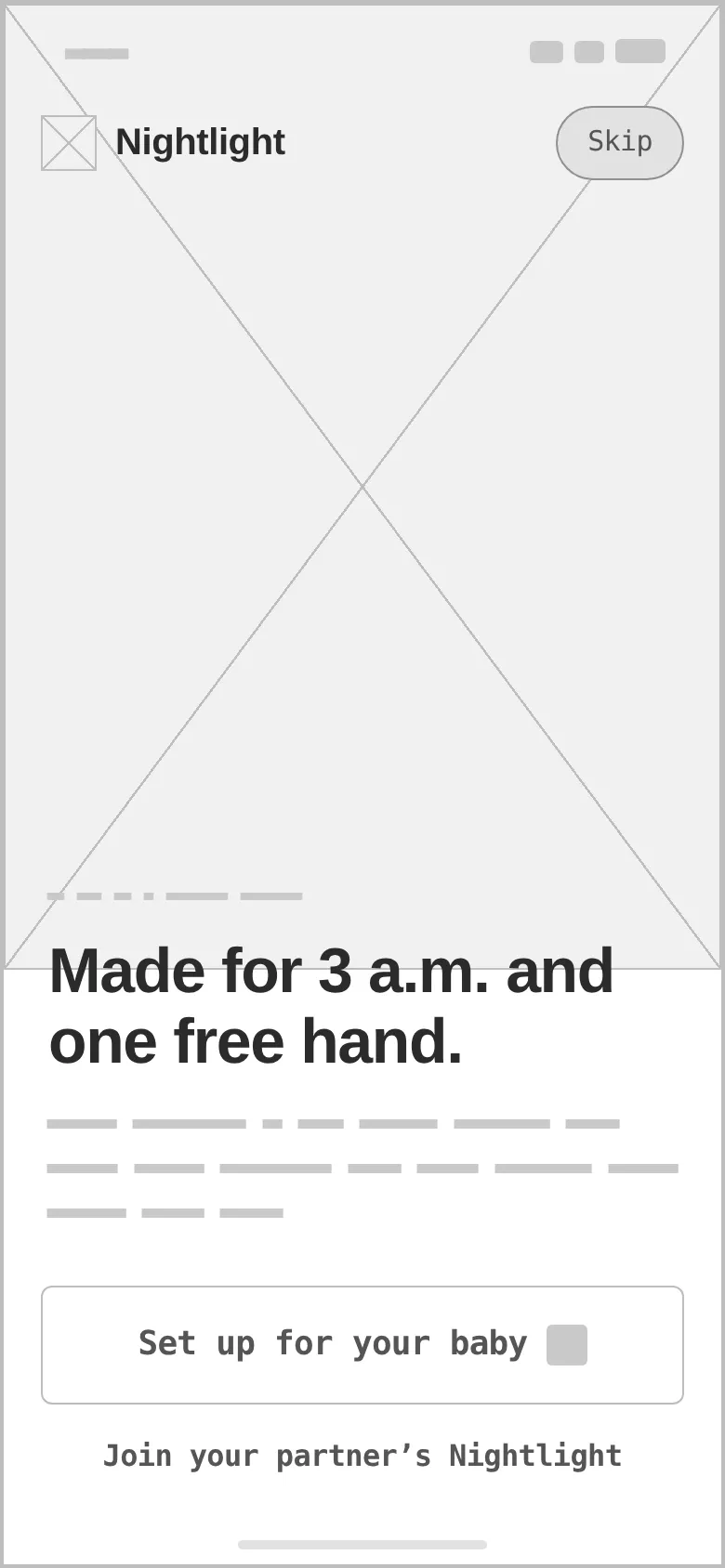
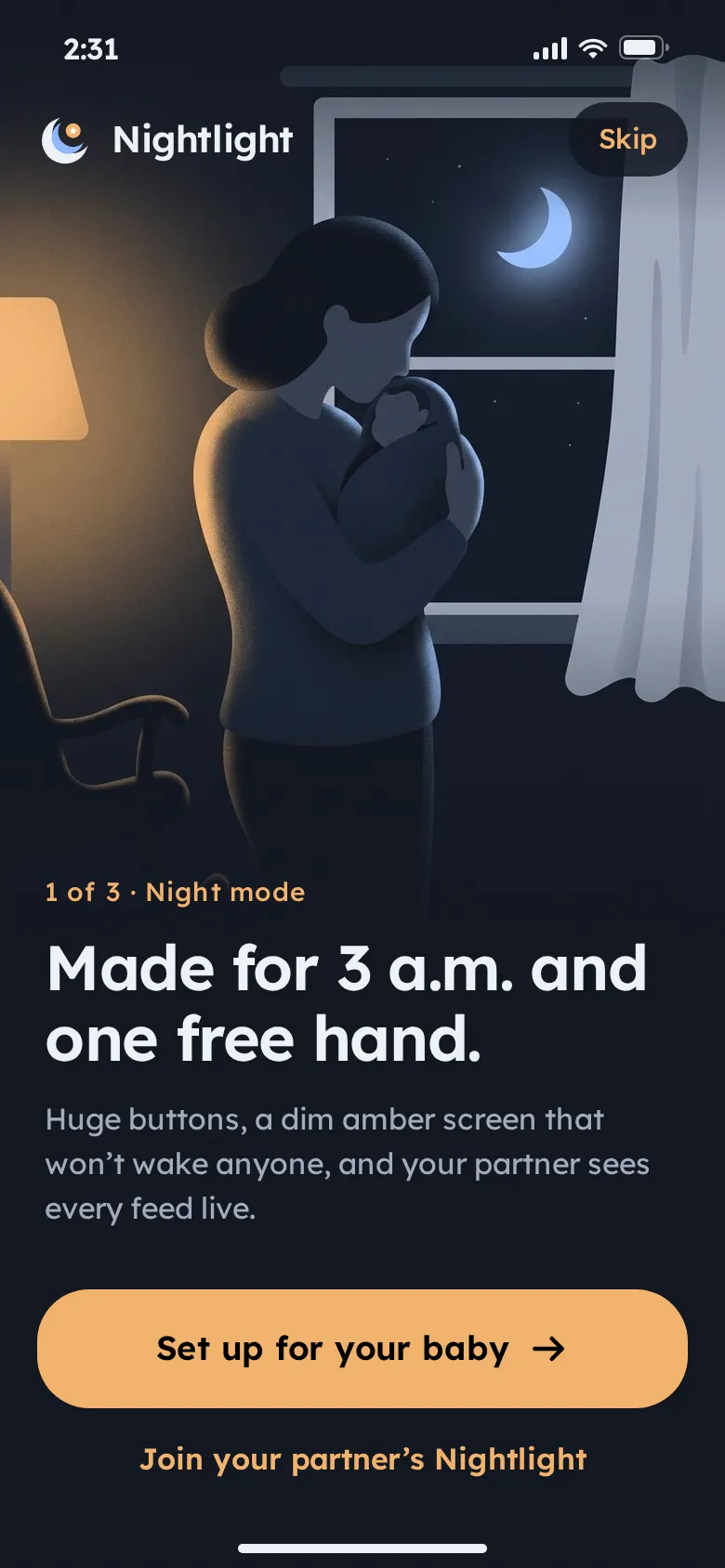
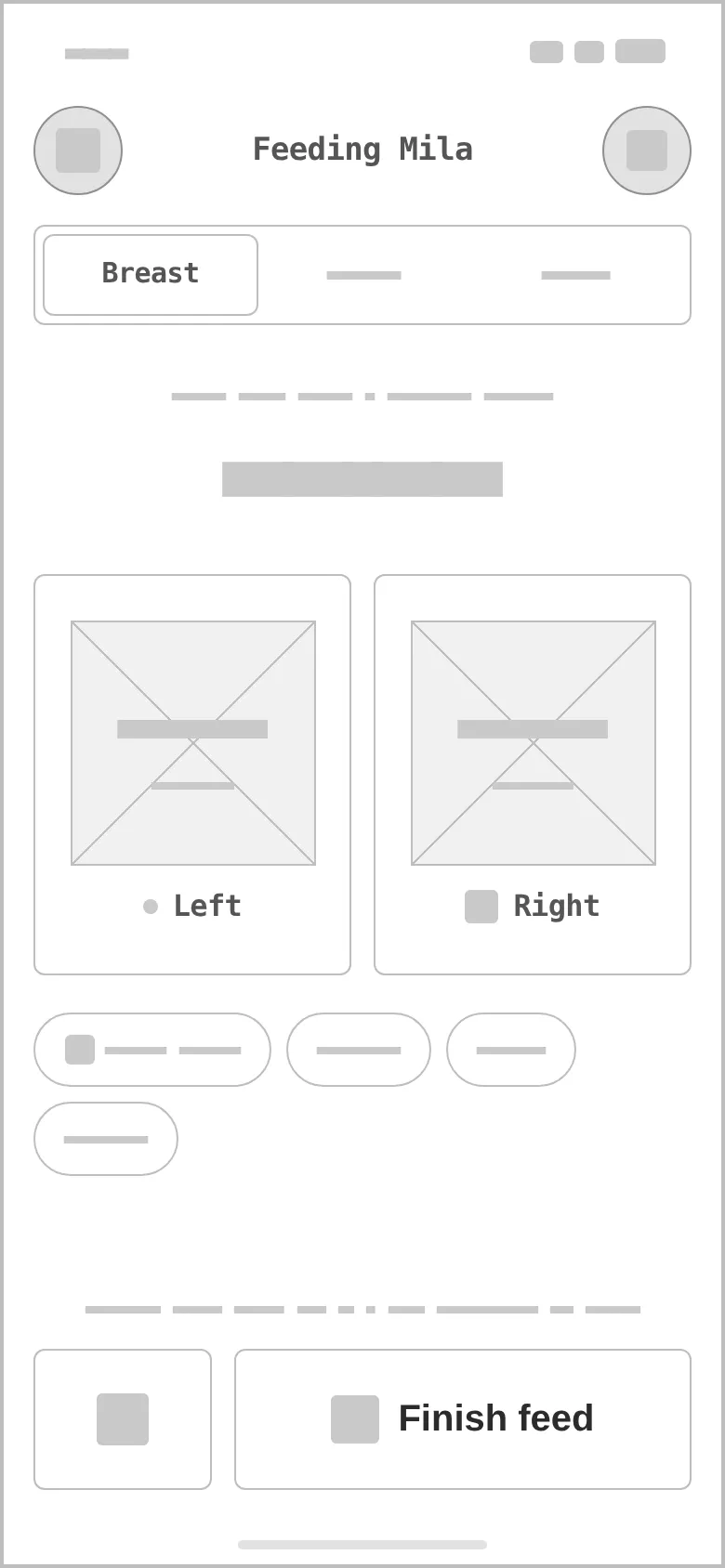
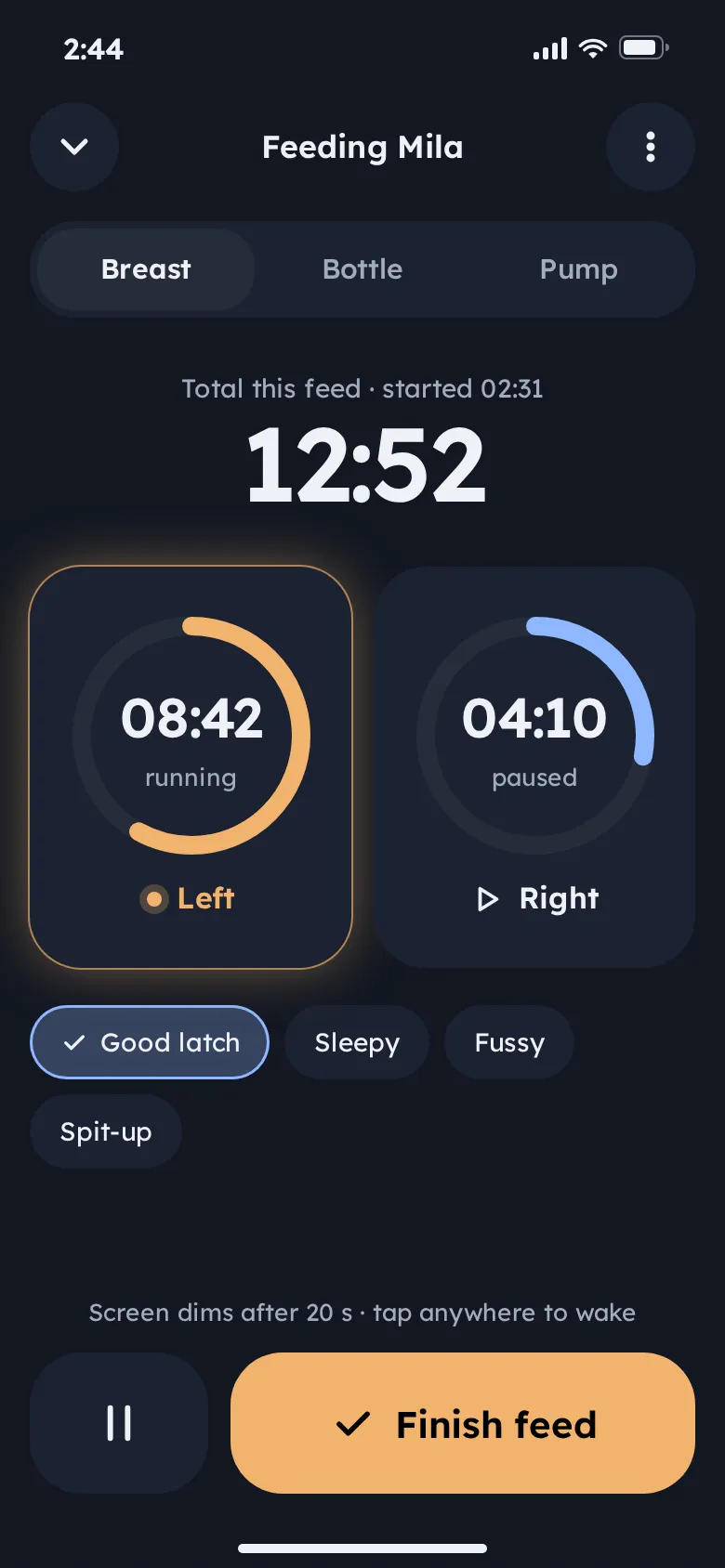
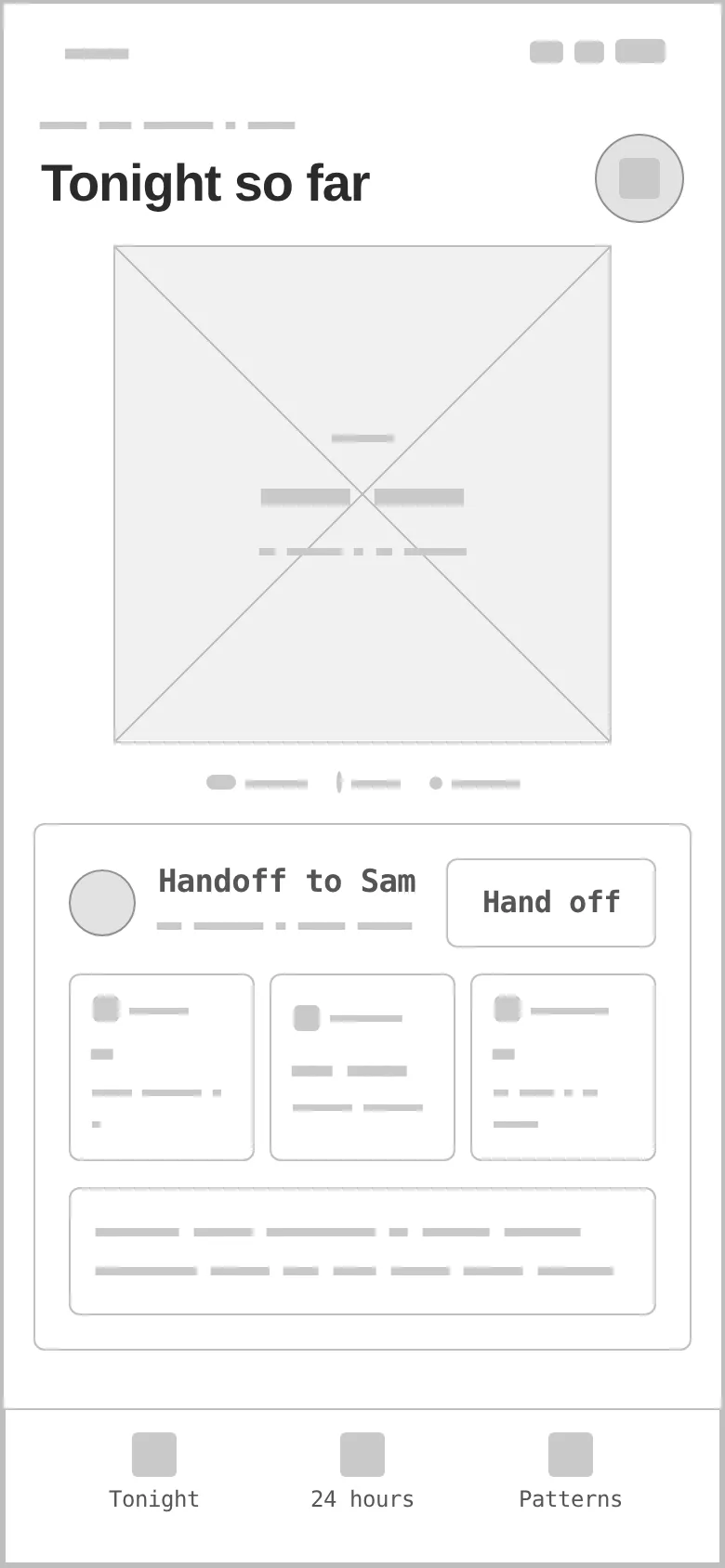
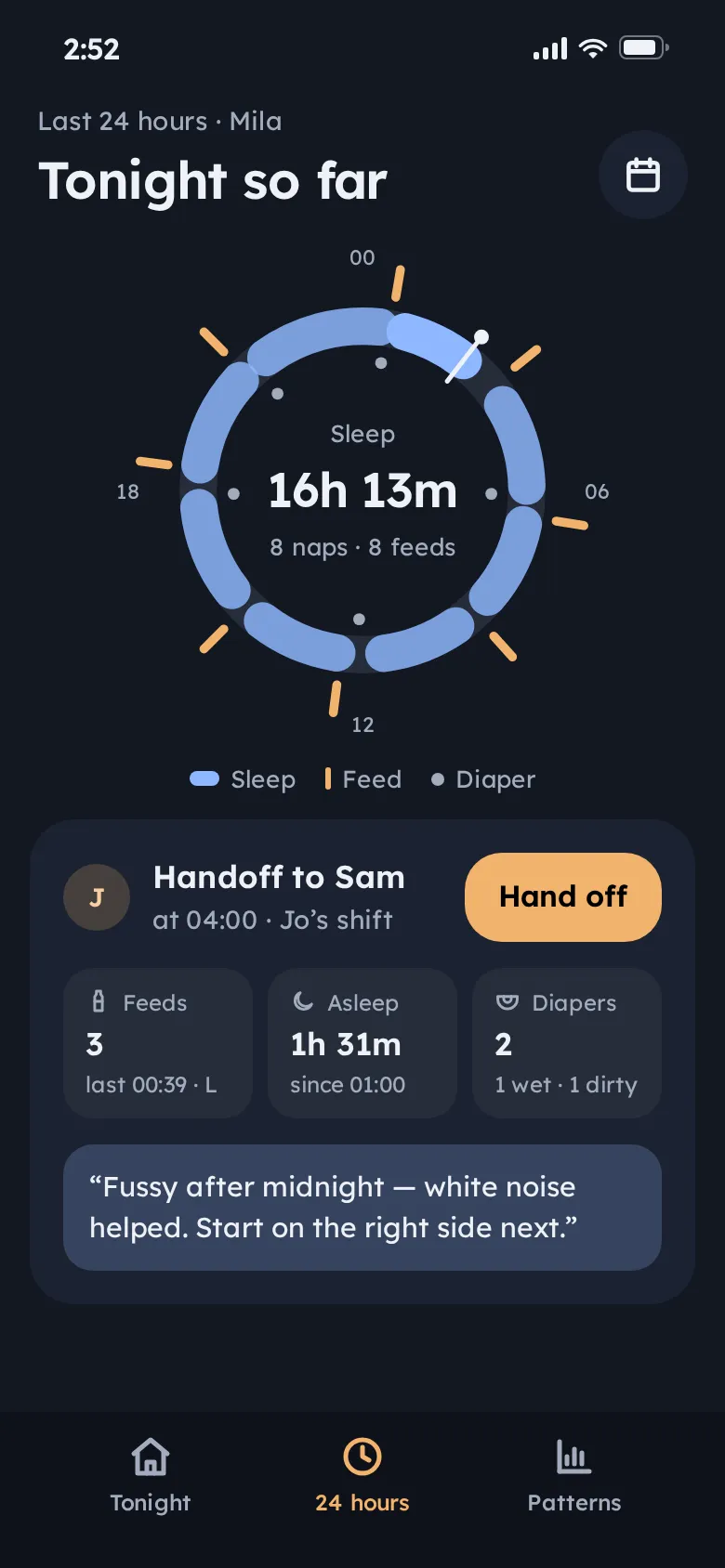
Every «before» is generated from the very same screen markup, reduced to outlines, readable labels and grey word-bars — no colour, glow or night sky. Drag a handle to compare.
- 01
Hierarchy
Time since the last feed as the biggest type on screen, then the one action most likely needed next — Feed, with the suggested side already highlighted.
- 02
Tap targets
A full-width Feed tile, two half-width tiles, a 76 px Pause / Finish row, radius 24–28 — everything reachable with a thumb while holding a baby.
- 03
States
Running vs paused timers (glow only on the running side), Breast / Bottle / Pump, quick-note chips, an empty state for the first week, and a partner who is asleep or on shift.
- 04
Light discipline
No shadows and no white surfaces; amber is the only bright colour and appears only where something is active, so the screen never lights up the room.
- 05
Assets
Two night illustrations made for the concept — the onboarding scene and the night-sky background — plus an empty-state crib. No baby photos.
- 06
Real-looking data
A 7-week-old named Mila, left / right timers to the second, 8 naps and 8 feeds in 24 hours, a note for Sam — realistic lengths test every tile.
A lamp in a dark room.
Lamp amber carries every action with black text (11.5:1) and glows only on what is running; moon blue (8.9:1 on night) marks sleep. Lexend — designed for reading ease — sets both headings and numbers, so tired eyes read one shape.
A crescent moon cradling a smaller moon-blue crescent and an amber star — literally a night light. Variant 1 of a grid of four directions, redrawn with masked circles; it reads at 24 px.
#F2B36F
vs bg 9.78:1 · label 11.45:1
#8FB7FF
on bg 8.87:1
#EEF1F7
on bg 15.85:1
#121722
text on it 15.85:1
#1B2231
text on it 14.06:1
#A3ACBD
on bg 7.85:1
Accent / bg 8.87:1 — moon blue is bright enough for icons and sleep arcs on the dark canvas; amber stays the only action colour.
Lexend 600Nightlight
Lexend 600New parents (0–12 months), both partners sharing night shifts
Lexend 400 · 16/26A one-handed, night-mode-first newborn tracker: feeds, sleep and diapers in one tap, shared live with your partner.
Lexend 600 · 12parenting / newborn care
Four screens for one night shift.
Night home
Baby chip and day-mode toggle, «1h 52m ago» over a dim sky, the giant Feed tile with L / R, Wake up and Diaper, and the partner strip with Hand off.
Onboarding
A night illustration of a parent at the window, «Made for 3 a.m. and one free hand», one amber CTA and a link to join a partner's Nightlight.
Feed timer
Breast / Bottle / Pump, total time, dual left and right timers — one running with glow, one paused — quick notes and a 76 px Finish feed.
24-hour ring
Sleep arcs, feed ticks and diaper dots around the clock with a now-hand, and the handoff card for the partner taking the next shift.
Feed tile
One giant tile, side suggested by the last feed — tap L or R without looking.
24-hour ring
A whole day as one shape: sleep arcs, feed ticks and the now-hand.
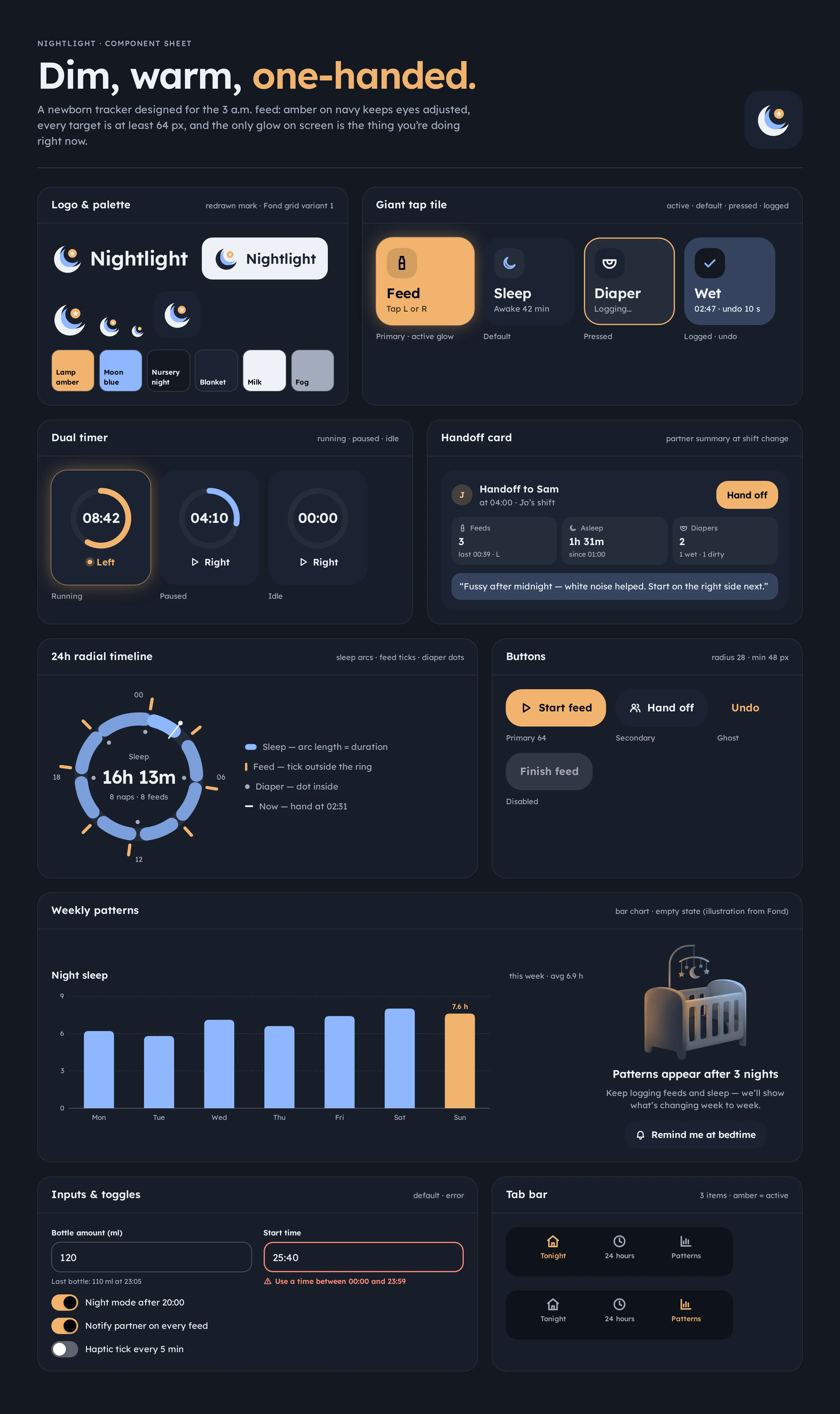
Component sheet
Logo and palette with dark and light lockups, the giant tap tile in four states, dual timers, the handoff card, 24-hour ring with legend, buttons, a weekly bar chart and its empty state, inputs with error, toggles and tab bars.
DimSoothingTactile
Questions & answers
Is Nightlight a real product?
No. Nightlight is a self-initiated concept by Omnisense — a brief we set ourselves, with no client and no business metrics. The baby, parents, times and amounts in the screens are sample data.
Who is Nightlight for?
New parents of babies aged 0–12 months, especially couples who split night shifts and need to know what happened while they slept.
Why is the app dark by default?
Because it is used at night, with a baby in one arm. Deep navy with a dim amber lamp colour, no shadows and no white surfaces, so the screen never lights up the room or wakes anyone. A day mode is one toggle away.
What did you design?
Onboarding, a night home with giant tap tiles, a dual left / right feed timer and a 24-hour ring with the partner handoff — plus the component sheet, logo, palette and type system.
Do you use photos of real babies?
No. Two night illustrations — the onboarding scene and the night-sky background — and an empty-state crib were made for the concept. There are no baby photos.